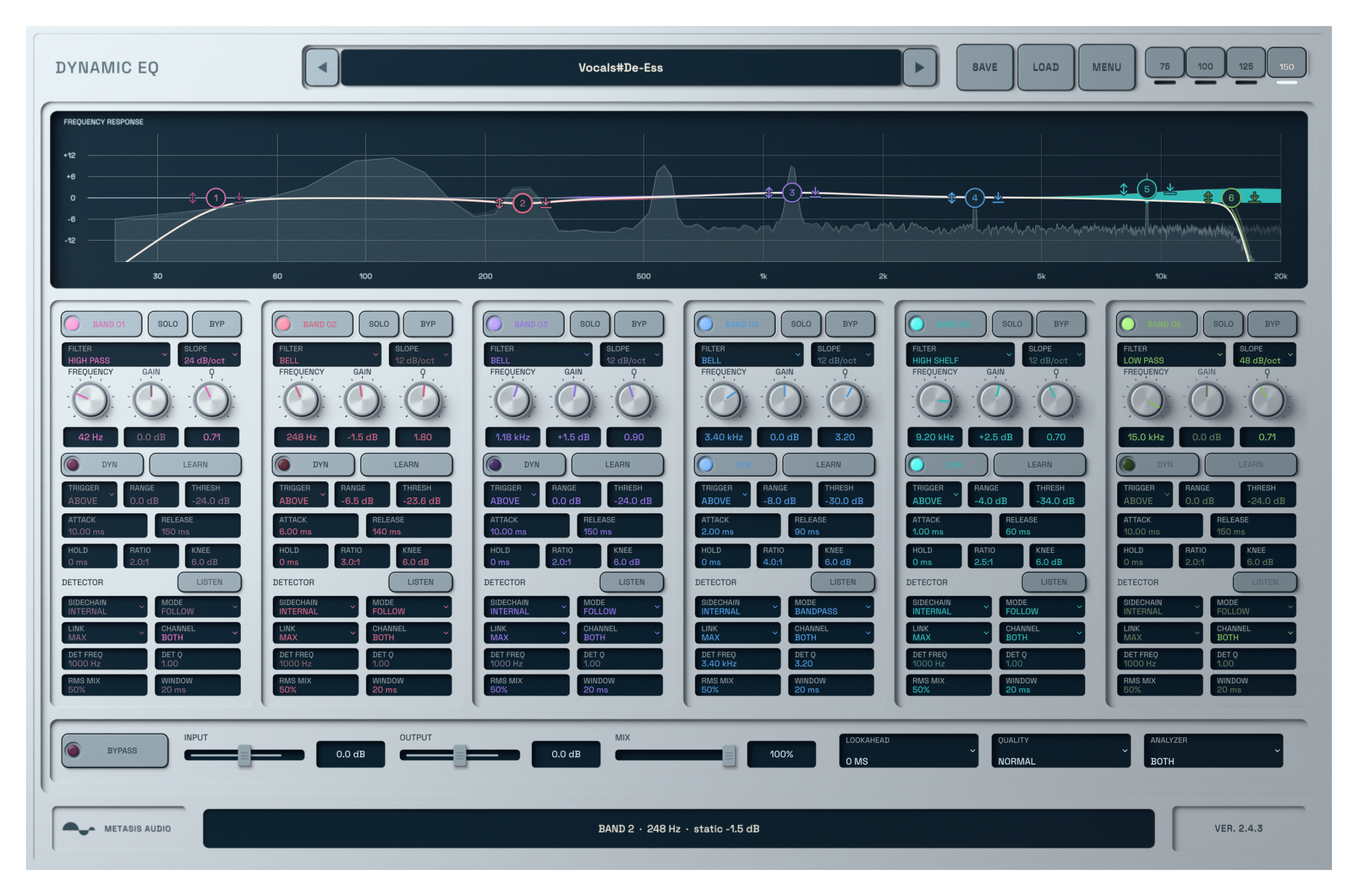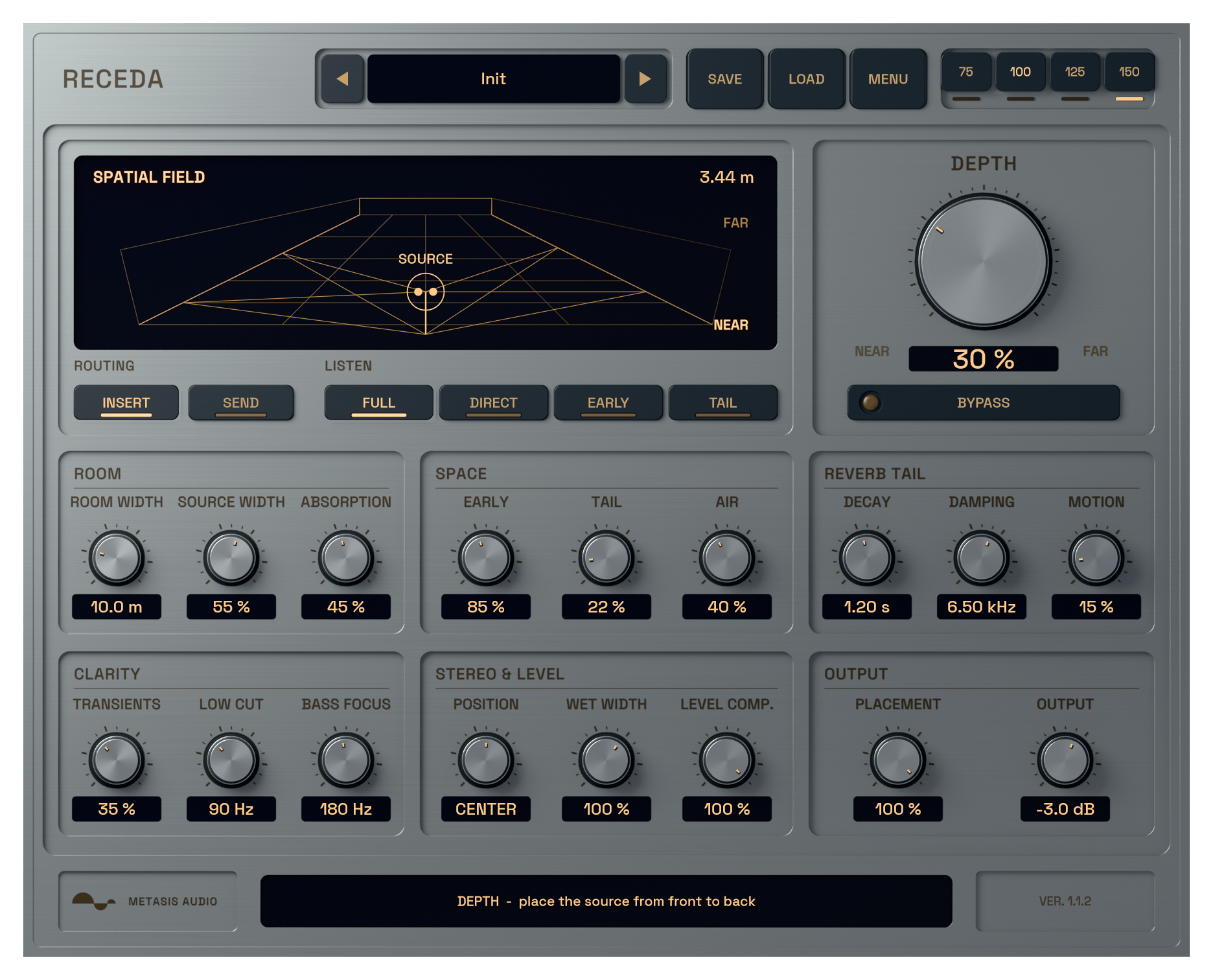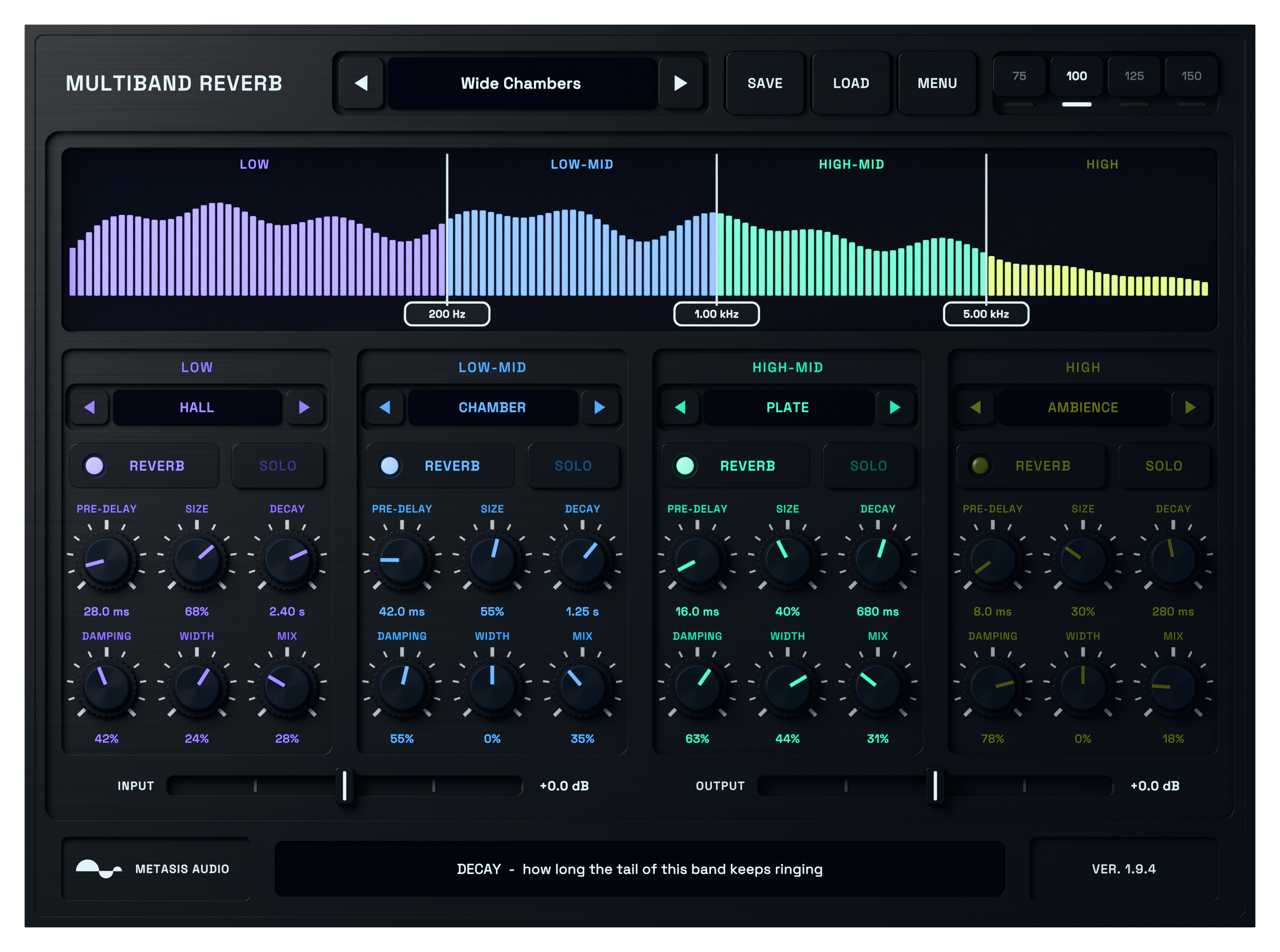
Start with a sound instead of a blank patch.
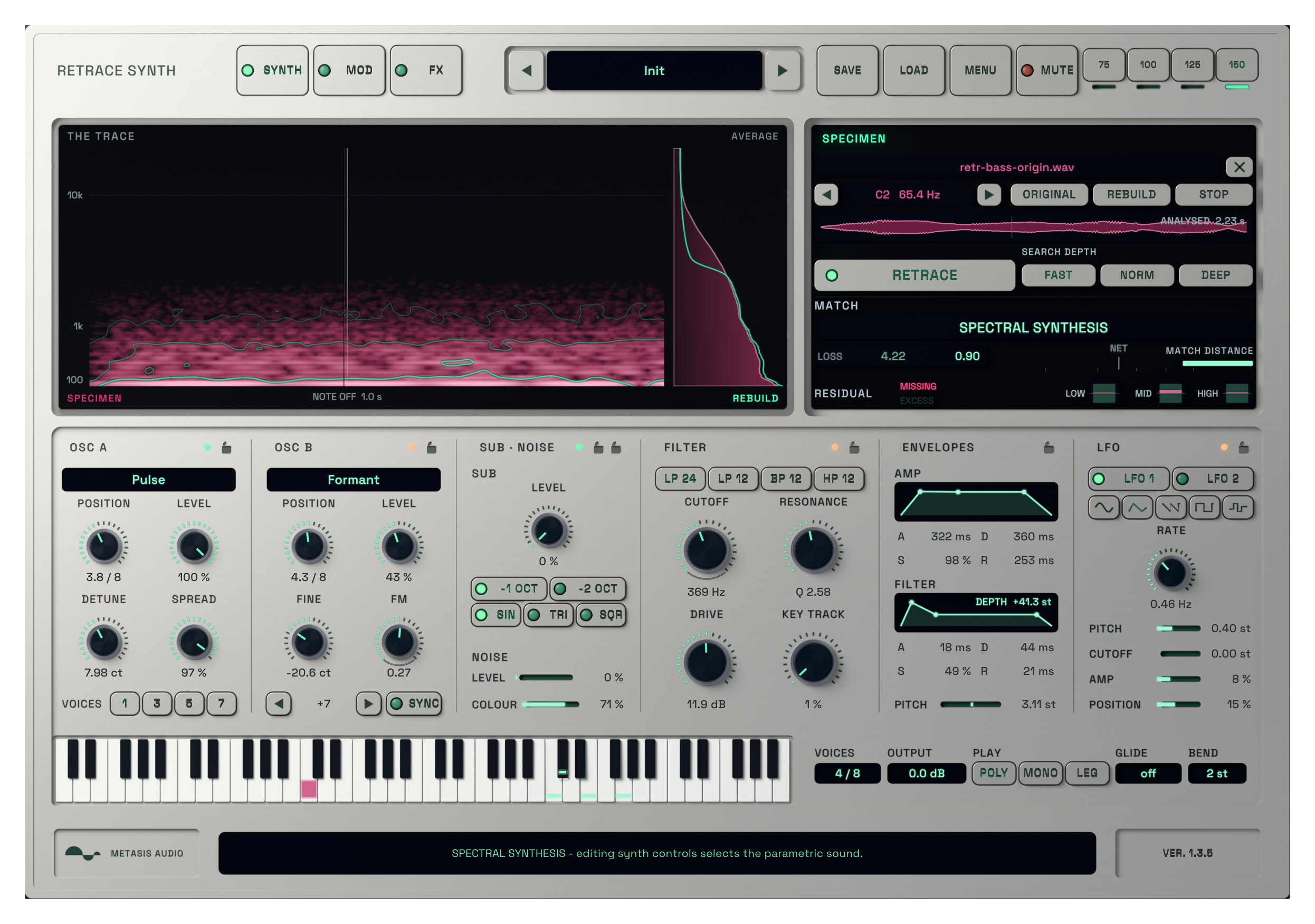
Load an isolated note or short sample. RETRACE analyses its tone and movement on your computer, builds a playable reconstruction and automatically selects the result that best matches the source.
Play new notes immediately, then use the synth controls when you want to take the sound somewhere else. Your sample is not uploaded to a cloud service.
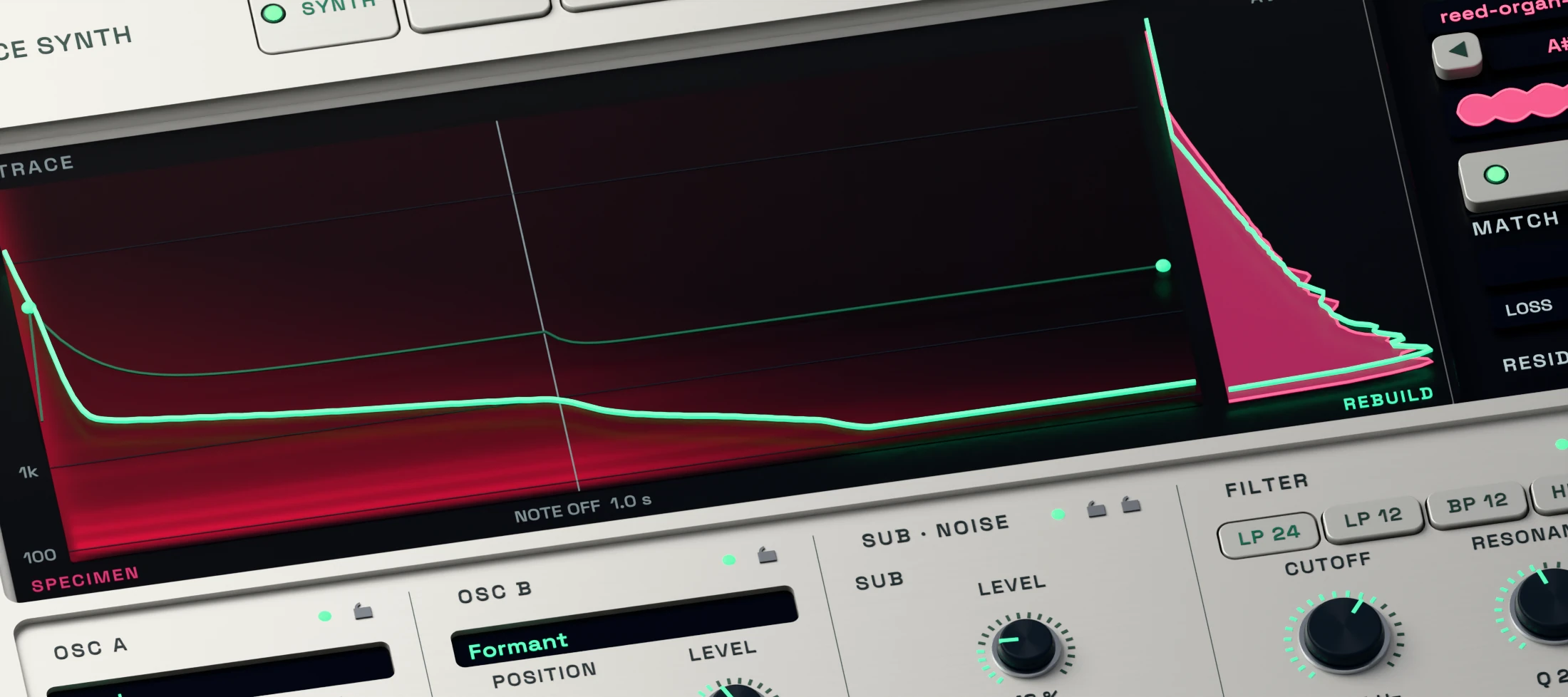
Load a sound and let RETRACE build the instrument.
Drop in an isolated note or short sound. The local model analyses its pitch, tone, envelope and movement, then creates a playable reconstruction.
There is no cloud upload, API key or usage credit. The supplied model and runtime are installed with the complete package.
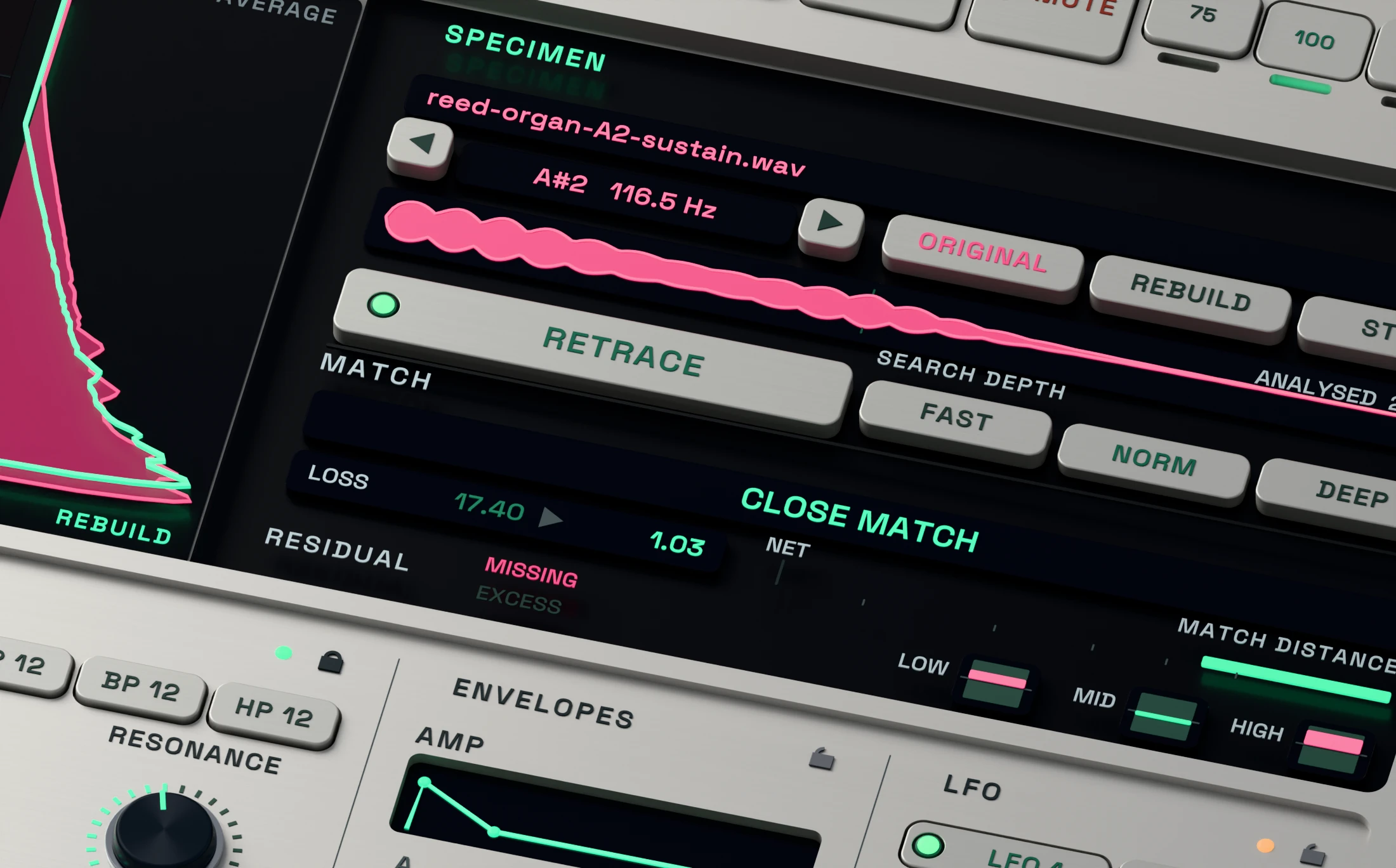
Compare the source and play the selected result.
Use Original and Rebuild to compare the reference with the generated sound. RETRACE evaluates its reconstruction methods and selects the stronger result automatically.
The match display is useful guidance, not a promise of exact recreation. Isolated tonal sounds usually give the clearest starting point.
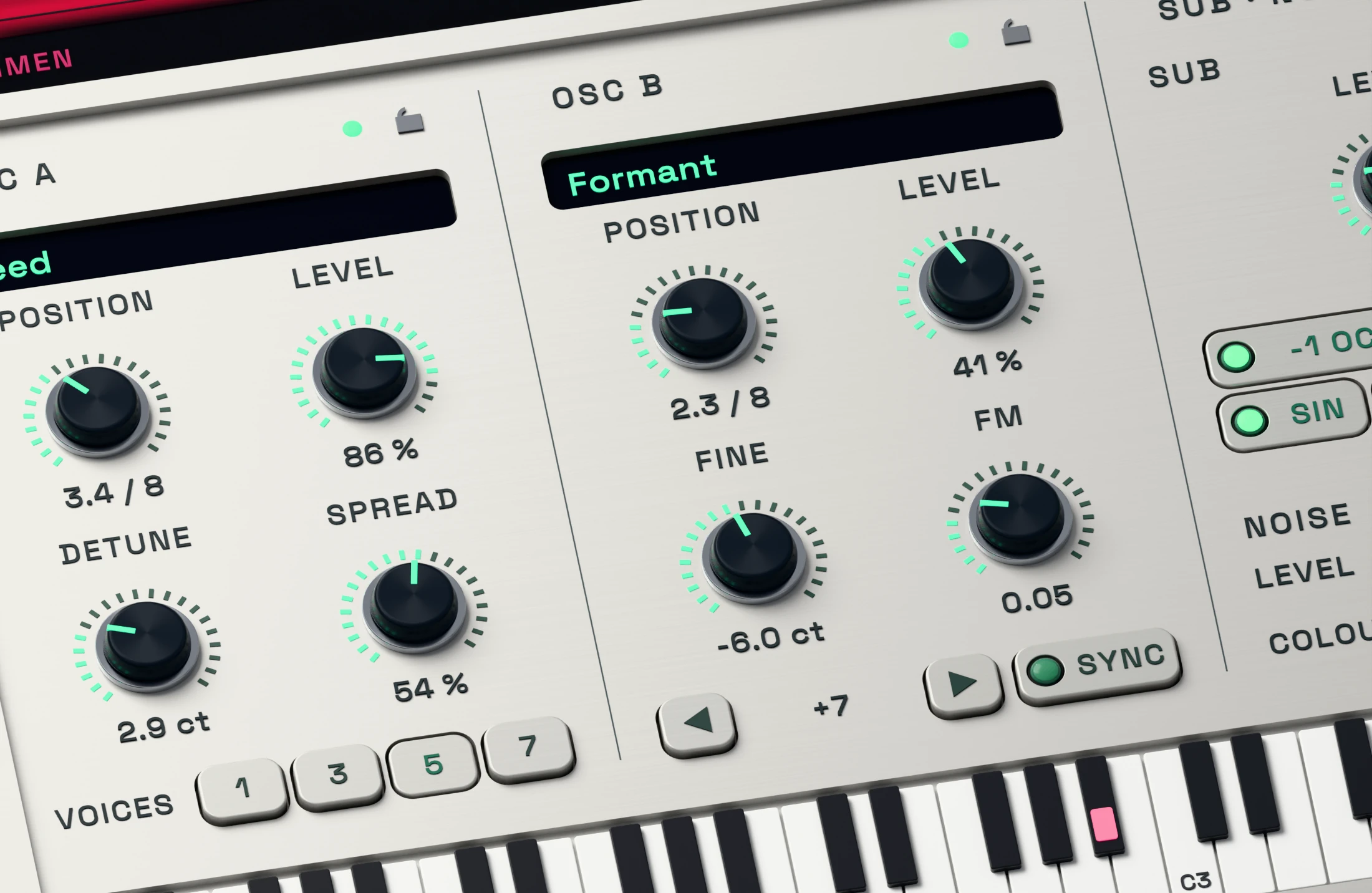
Shape the parametric sound with two wavetable oscillators.
Two wavetable oscillators, sub, noise, FM and hard sync give you direct control when you want to reshape the result after analysis.
Editing an oscillator or other core synth control moves playback to the parametric reconstruction automatically. There is no reconstruction selector in the menu.
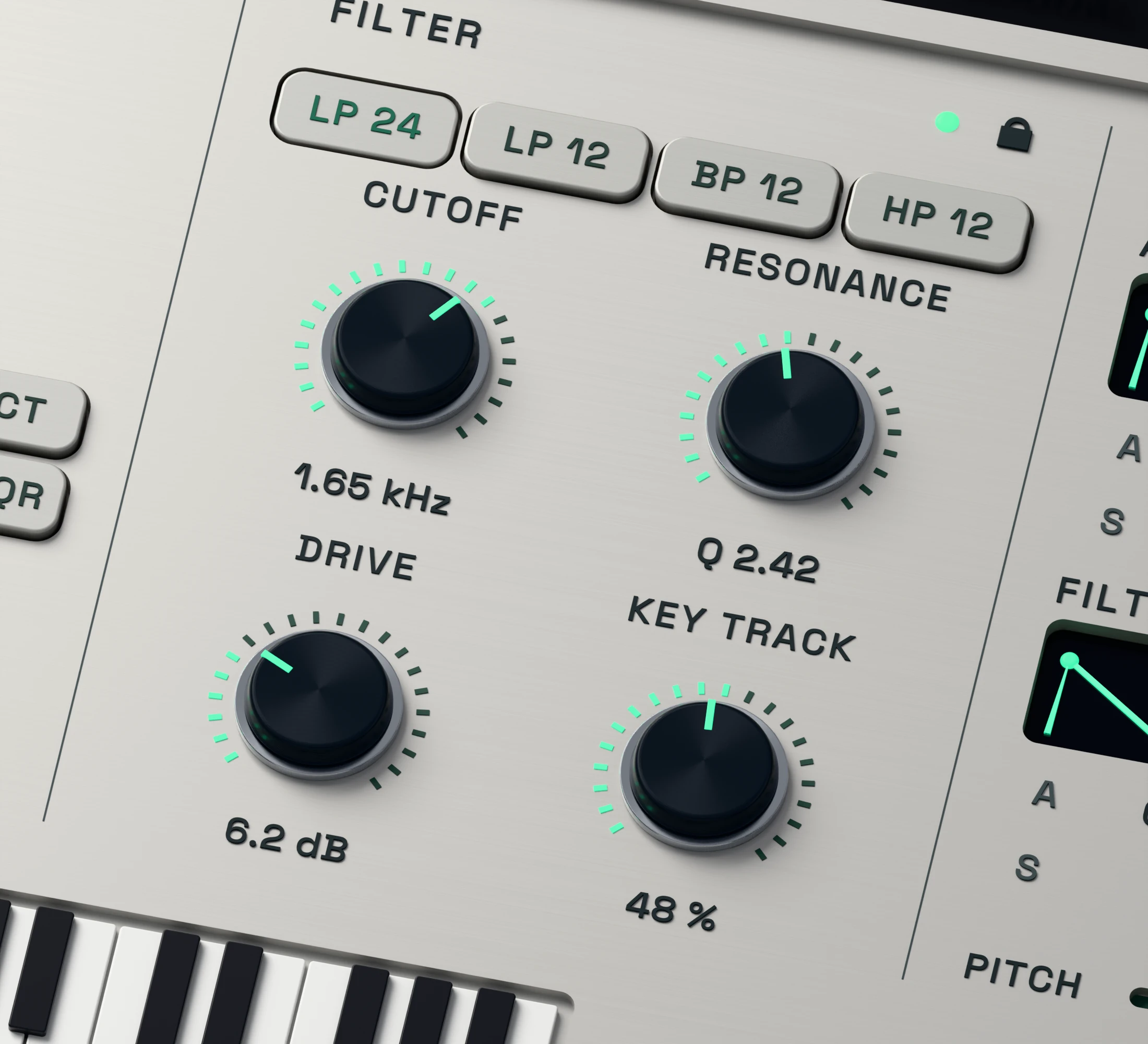
Adjust brightness and resonance by ear.
Use Cutoff and Resonance to make the parametric reconstruction darker, brighter or more focused while you play it in the track.
A filter edit selects the parametric reconstruction automatically, so listen again after making the change.
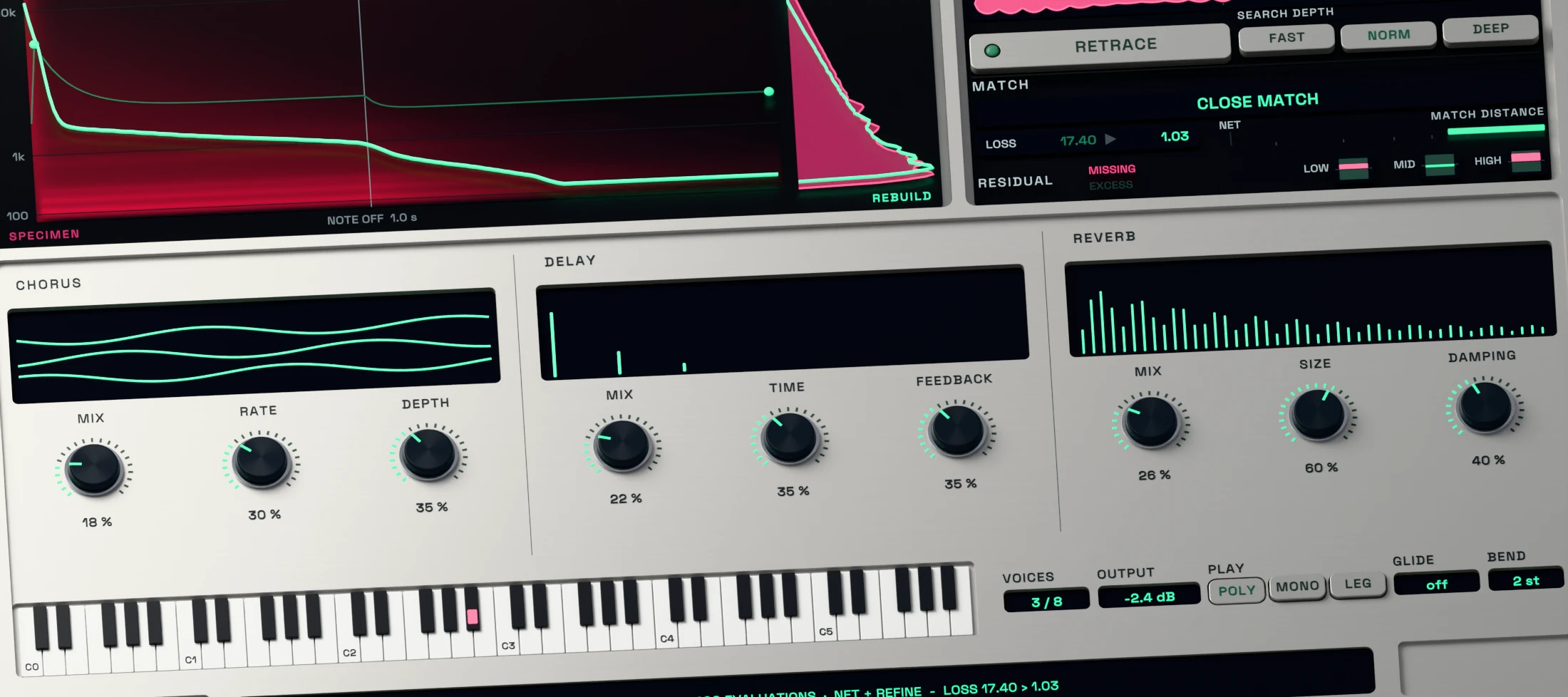
Add movement, expression and space.
Shape the envelopes, add modulation and place the parametric sound with chorus, delay and reverb. Glide, bend range and playing mode help it respond as an instrument.
Use these controls to move beyond the source once the reconstruction gives you a useful starting point.