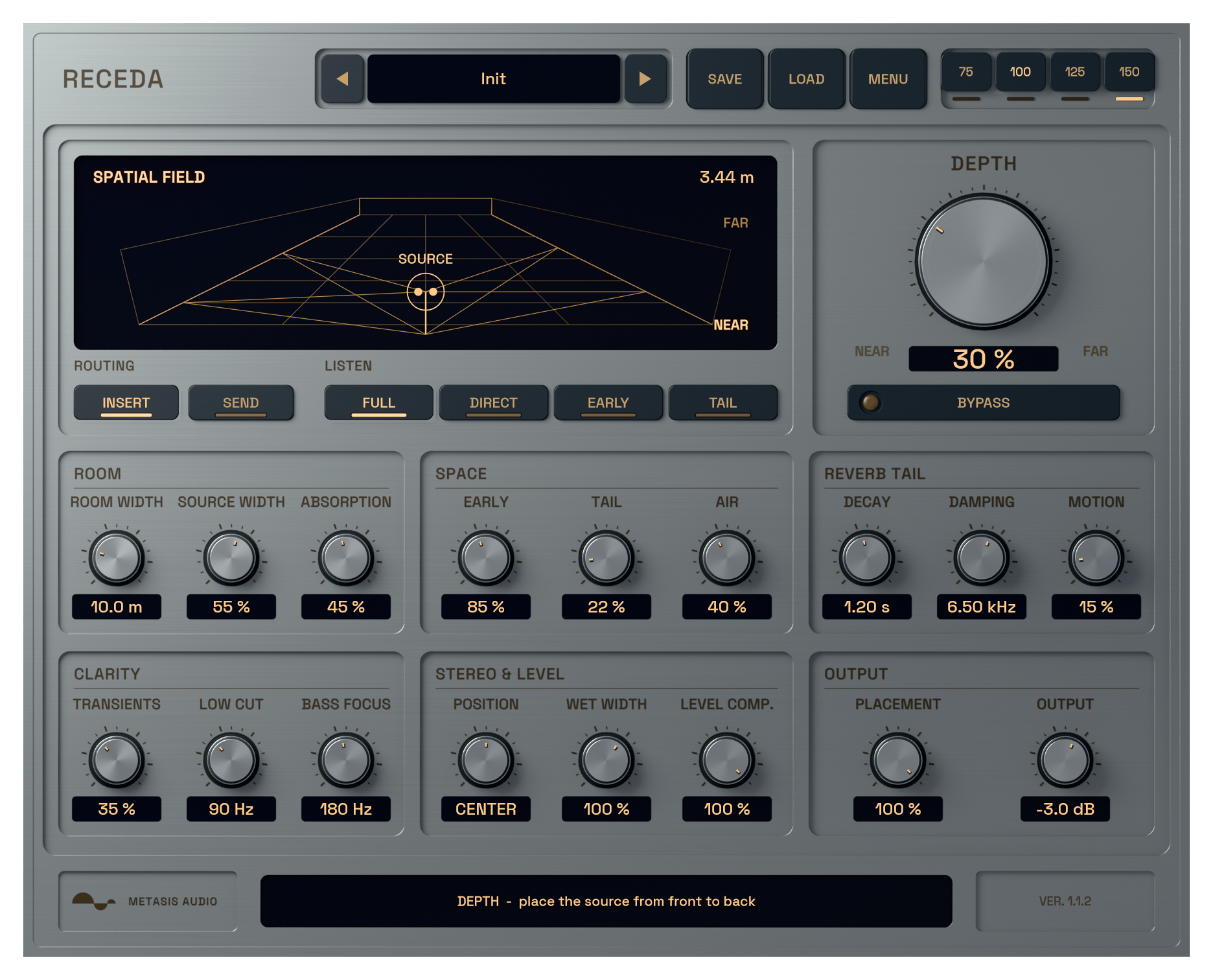
Receda active spatial reverb interface processing audio

Receda

A depth reverb plugin for placing vocals, drums and instruments front to back with separate direct sound, early reflections and reverb tail.

Windows · VST3macOS · AU + VST3
$69.99

Digital product. No shipping.

Try demo

7-day full trial. No credit card required.

2-device licenseLifetime free updatesNo dongle

Build depth from direct sound, early reflections and tail.

Keep a lead close and place its doubles behind it. Receda changes the relationship between direct sound, early reflections and late reverb so distance does not depend on adding a longer tail.

Start with Depth, then listen to Direct, Early and Tail on their own. Position and Source Width place the source across the room.
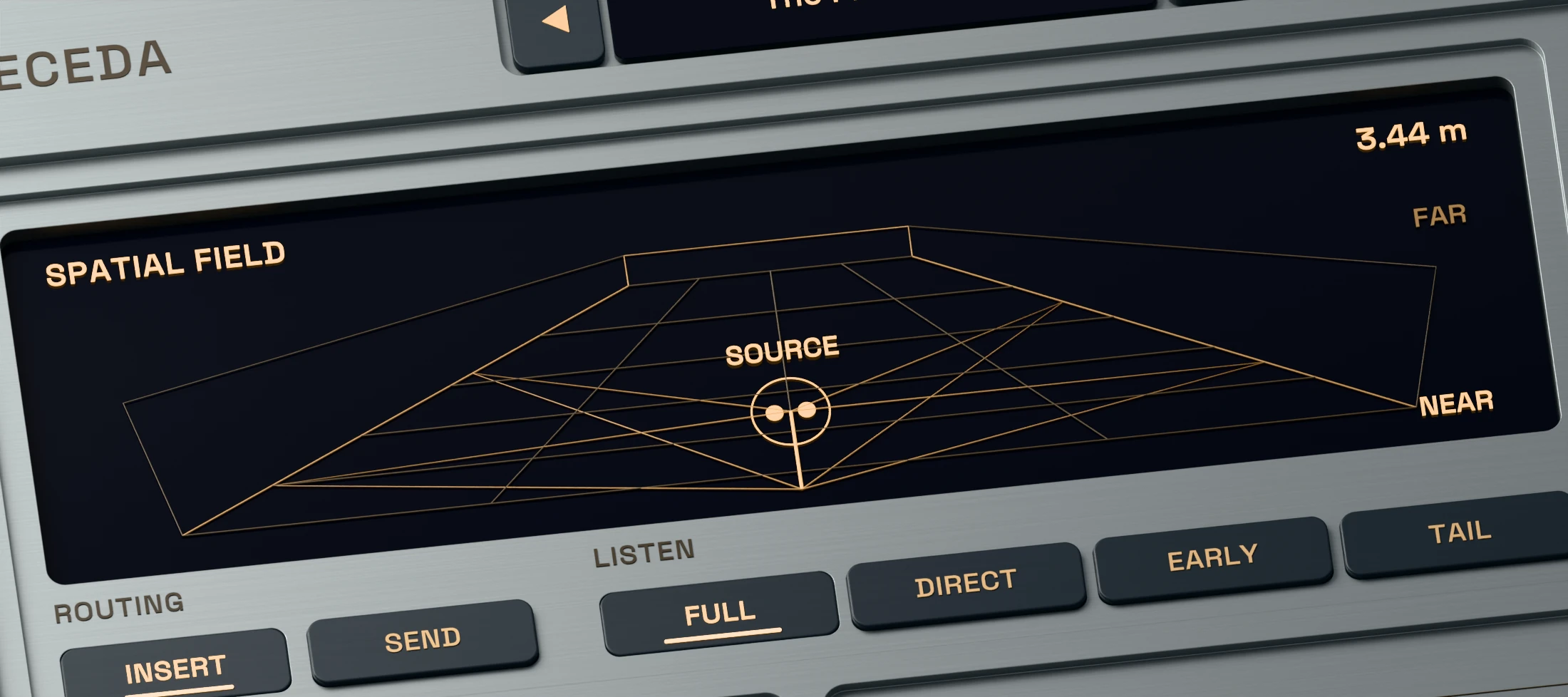
Receda 3D render showing the active Depth, Position and Source Width controls

Set the distance before you add more reverb.

Turn Depth to move the source nearer or farther away. Receda adjusts the balance of direct sound, early reflections and tail as the perspective changes.

Position moves the source left or right. Source Width controls the spacing of the two virtual sources feeding the room.
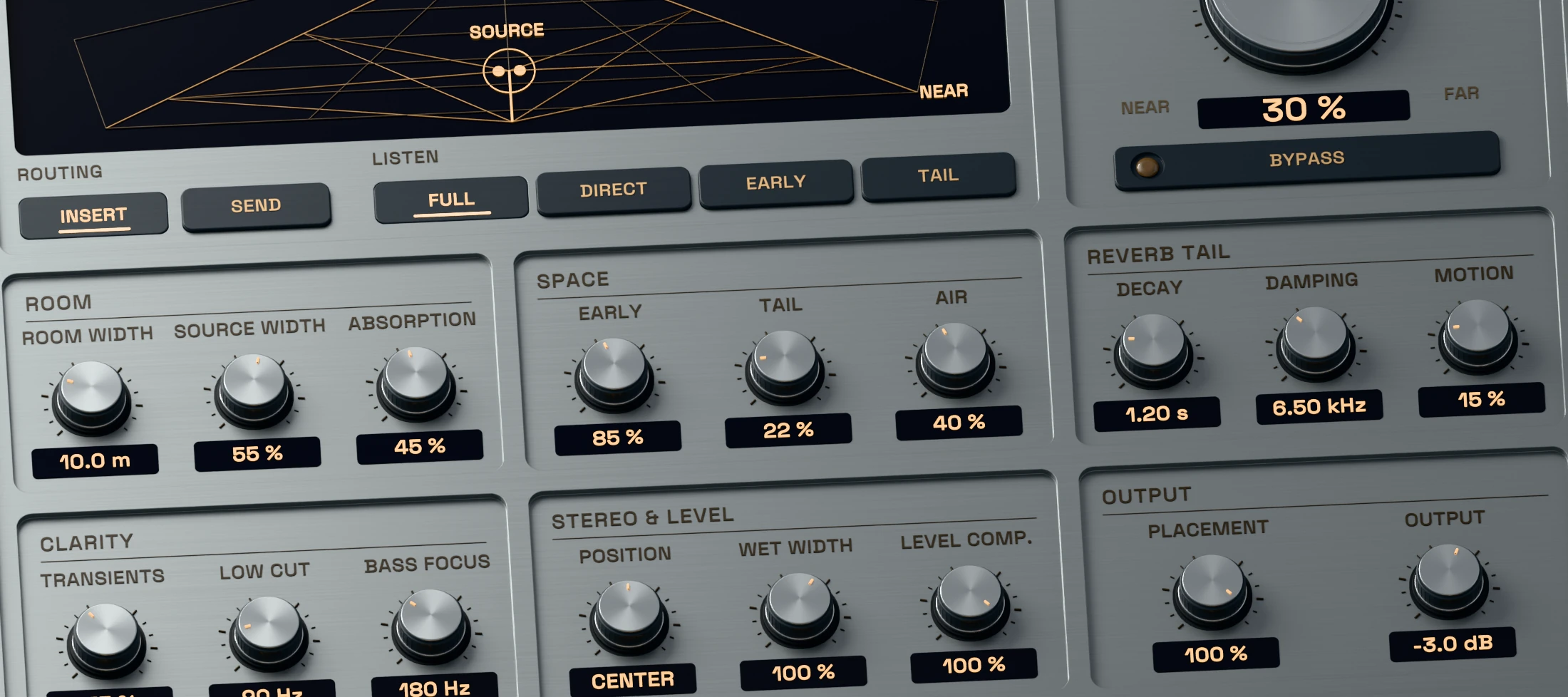
Receda 3D close-up showing separate active early reflection and late reverb controls

Create distance with reflections, then choose the tail.

Turn Tail down when a part needs depth without sustained wash. Shape the early reflections with room width and absorption, then add Decay, Damping and Motion when the arrangement needs more atmosphere.

Air adds distance-dependent colour to the direct sound, helping the source settle into the chosen perspective.
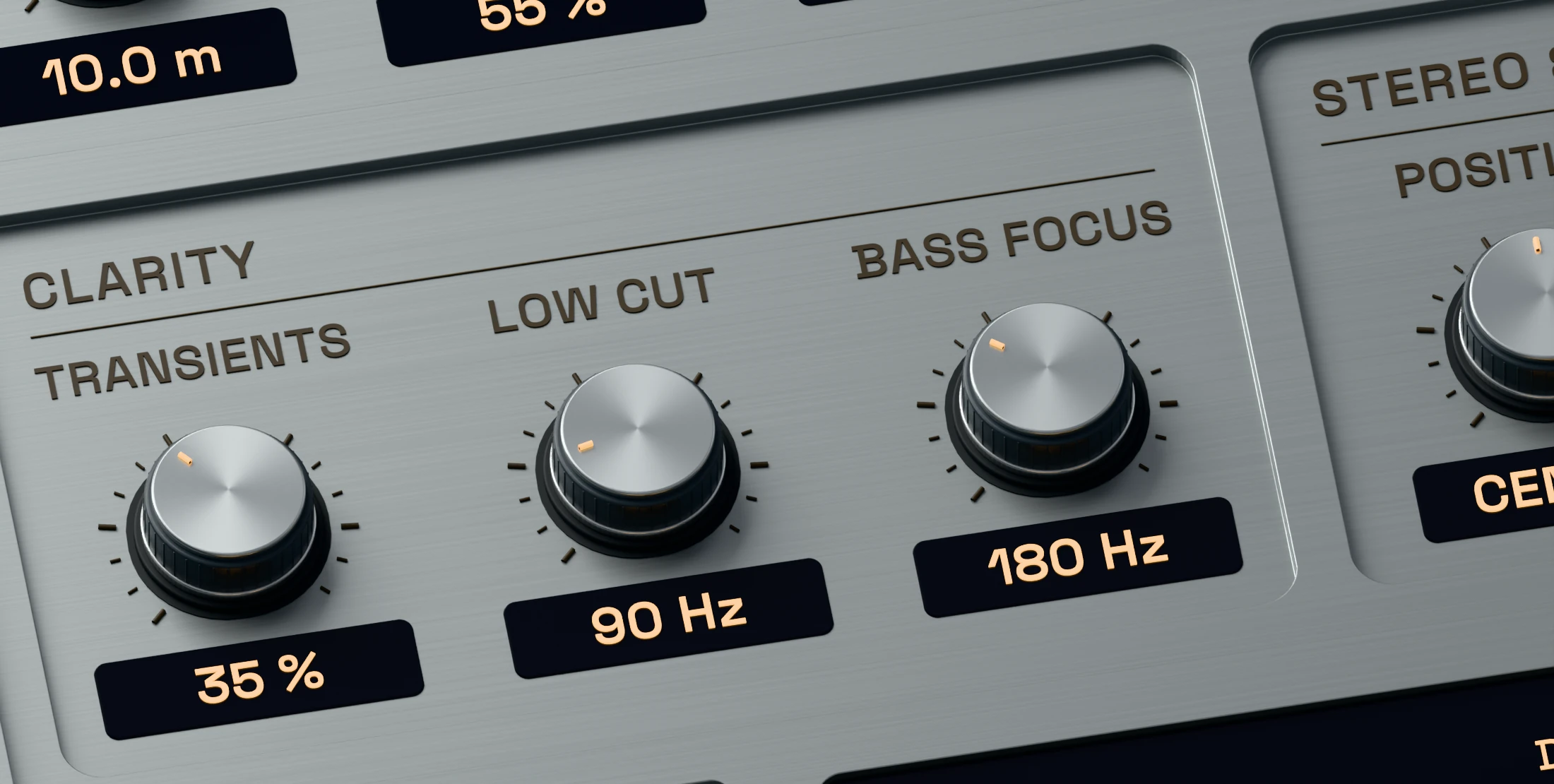
Receda 3D detail showing Transient Protect, Wet Low Cut, Bass Focus and Width

Keep the attack clear while the space grows.

Transient Protect reduces reflections and tail around attacks. Wet Low Cut, Bass Focus and Wet Width shape the ambience around the source without filtering the dry signal.

Use Level Compensation as an energy estimate, then set Output and compare the result in the complete mix.
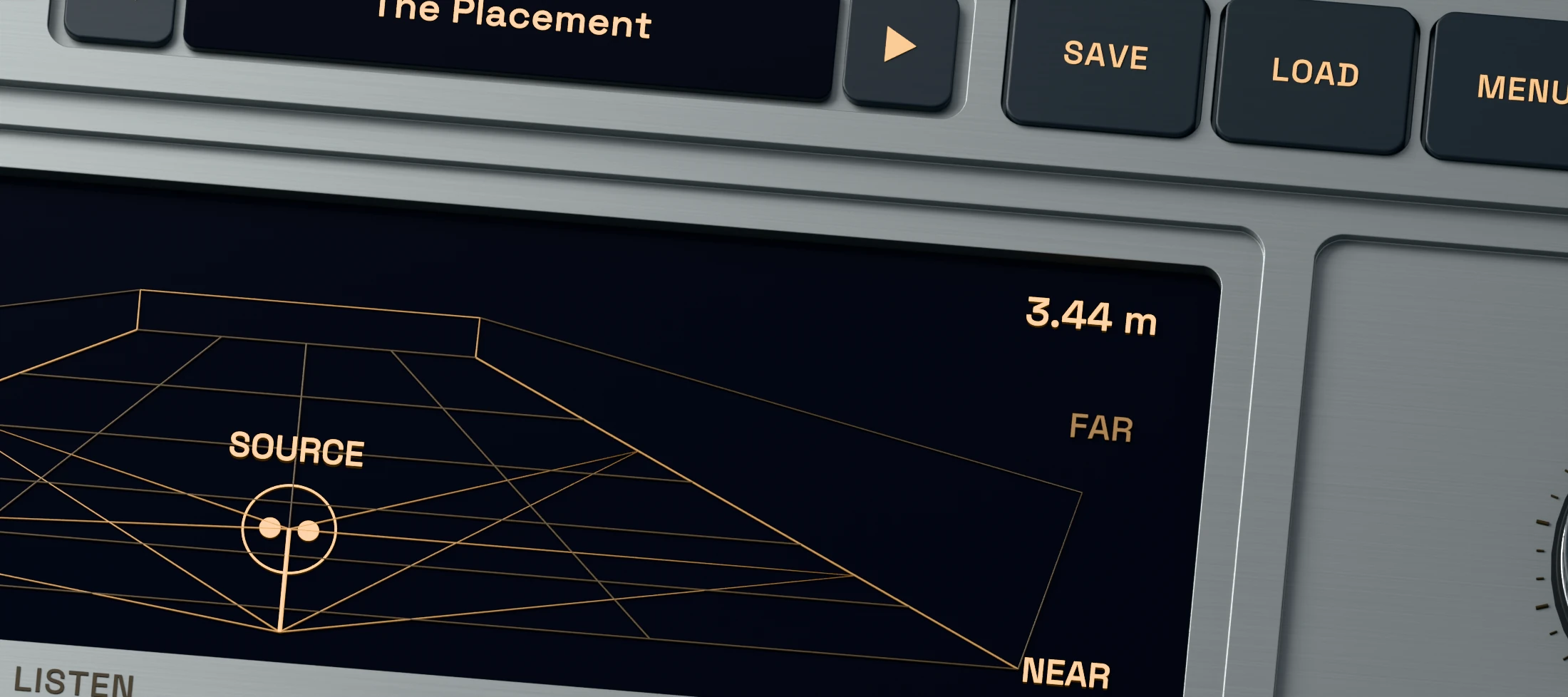
Receda 3D close-up showing active Insert, Send, Direct, Early and Tail listening controls

Choose a preset, isolate each field and adjust by ear.

Use Insert to shape the direct source and room together, or Send for a wet-only return. The Direct, Early and Tail listen modes make each part of the space easy to inspect.

Factory presets provide starting points for vocals, drums, guitars, keys, ensembles, post work and auxiliary returns.
Try Receda free for seven days

Try every feature of Receda in your own session. No credit card required.

System requirements

Windows
Windows 10 or 11, 64-bit. VST3.
macOS
macOS 11 or later. Intel and Apple Silicon. Universal build.
Plugin formats
Windows: VST3. macOS: VST3 and Audio Units (AU).
Your DAW
Load Receda as an audio effect. Use Insert on a track or Send on a wet-only return. AAX is not included.
Read manual (PDF)

Frequently asked questions

What is a depth reverb?

A depth reverb is designed to place a source nearer or farther away, not only to add a longer tail. Receda coordinates direct level, early reflections and late reverb around its Depth control.

Can I add depth without a long reverb tail?

Yes. Turn Tail down and work with Depth and the early reflections. Bring the tail back only when you want sustained space around the source.

Should I use Insert or Send mode?

Insert controls the direct sound and room together on a track. Send outputs only the wet signal for an auxiliary return. The Direct, Early and Tail listen modes isolate each field.

Can I try Receda before buying it?

Yes. The full plugin runs for seven days from first launch with no credit card required. Activate a purchase with the email address and license key shown in your account.

Does it work offline?

Yes. Internet access is needed for activation, an older activation check or releasing a computer. Normal use works offline after activation.

Which systems and plugin formats are supported?

Windows 10 or 11 uses the 64-bit VST3. macOS 11 or later includes VST3 and Audio Units for Intel and Apple Silicon. AAX is not included.

Choose which optional services may run. Your choice is stored on this device for 180 days. You can change or withdraw it at any time through Cookie settings in the footer.

Privacy policy

METASIS AUDIO

Your cart

No products in the cart.

Final total and applicable taxes shown at checkout.