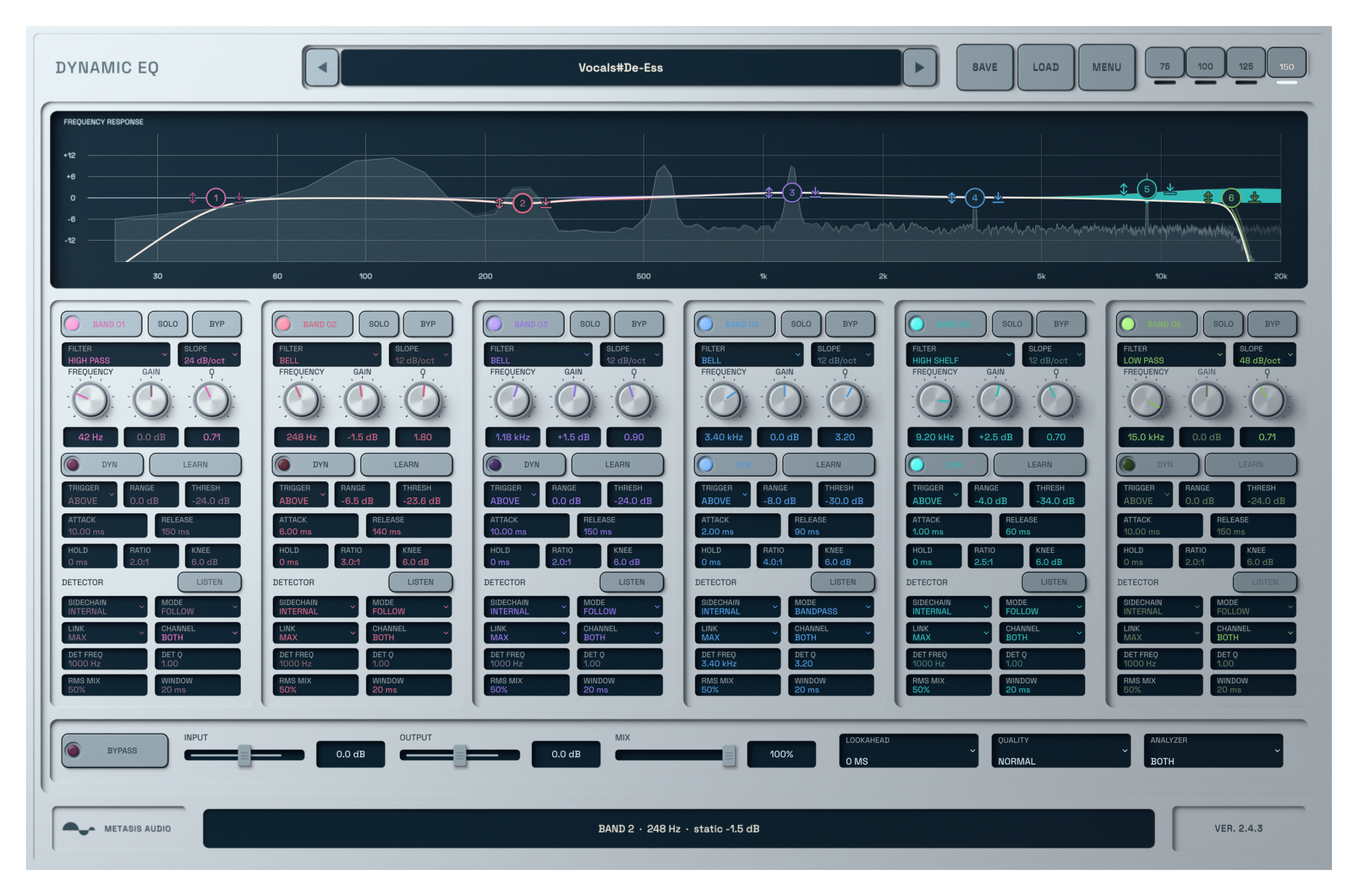
Dynamic EQ active six-band equalizer interface processing audio

Dynamic EQ

A free six-band dynamic EQ plugin with static EQ, resonance control, mid-side processing, external sidechain and slopes up to 96 dB per octave.

Windows · VST3macOS · AU + VST3
Free

Digital product. No shipping.

Free to use. No activation required.

Fix the difficult moments without cutting every note.

A vocal can turn sharp on one syllable, or one bass note can dominate the room. Set a dynamic band to react when that range becomes too strong and leave the quieter moments alone.

The same six bands handle regular parametric EQ, steep cuts, mid-side work and external sidechain processing. The plugin is free and does not use a license code.
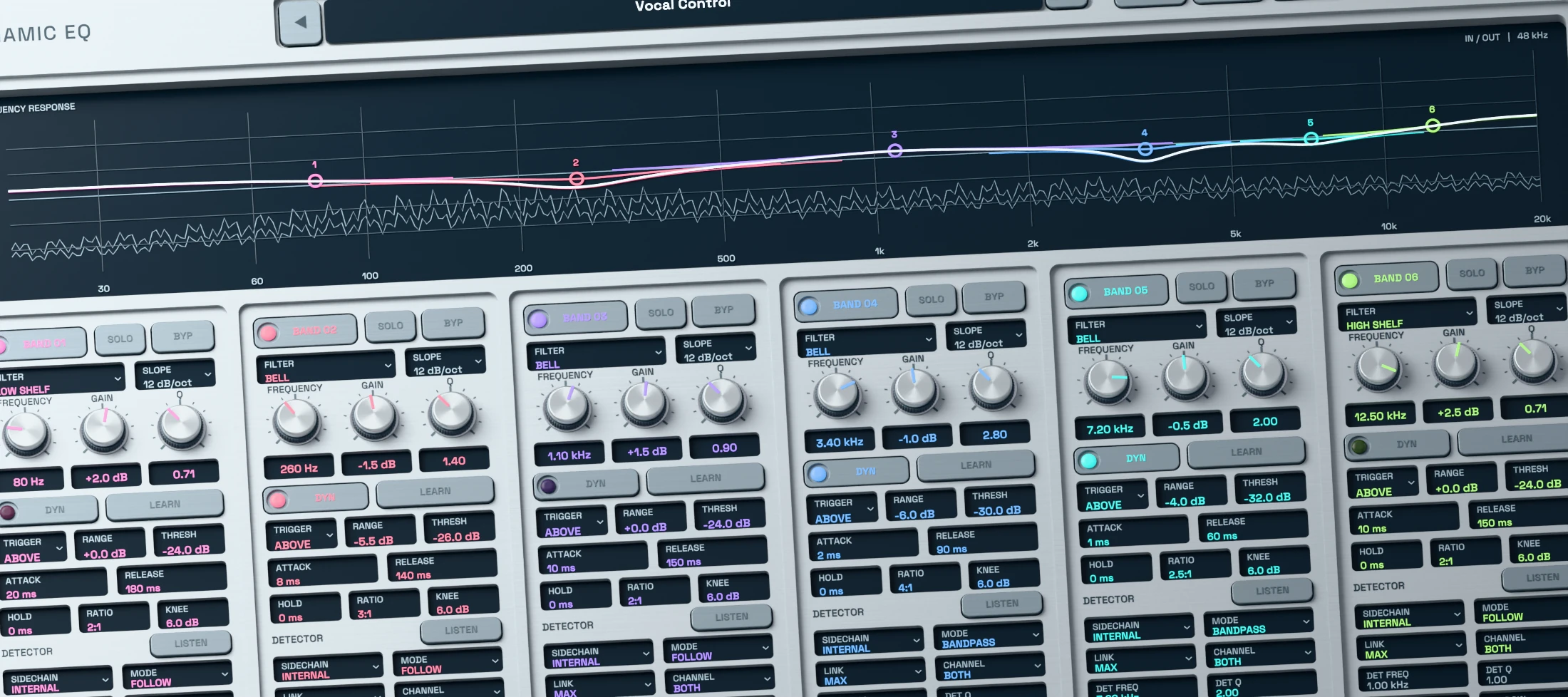
Dynamic EQ 3D render showing an active six-band parametric EQ curve and spectrum

Shape broad tone or make a precise static cut.

Use bell, shelf, low-cut and high-cut filters across six fixed bands. Set Frequency, Gain and Q directly in the graph or from the band controls.

Cut filters offer slopes from 12 to 96 dB per octave for gentle cleanup or firm separation.
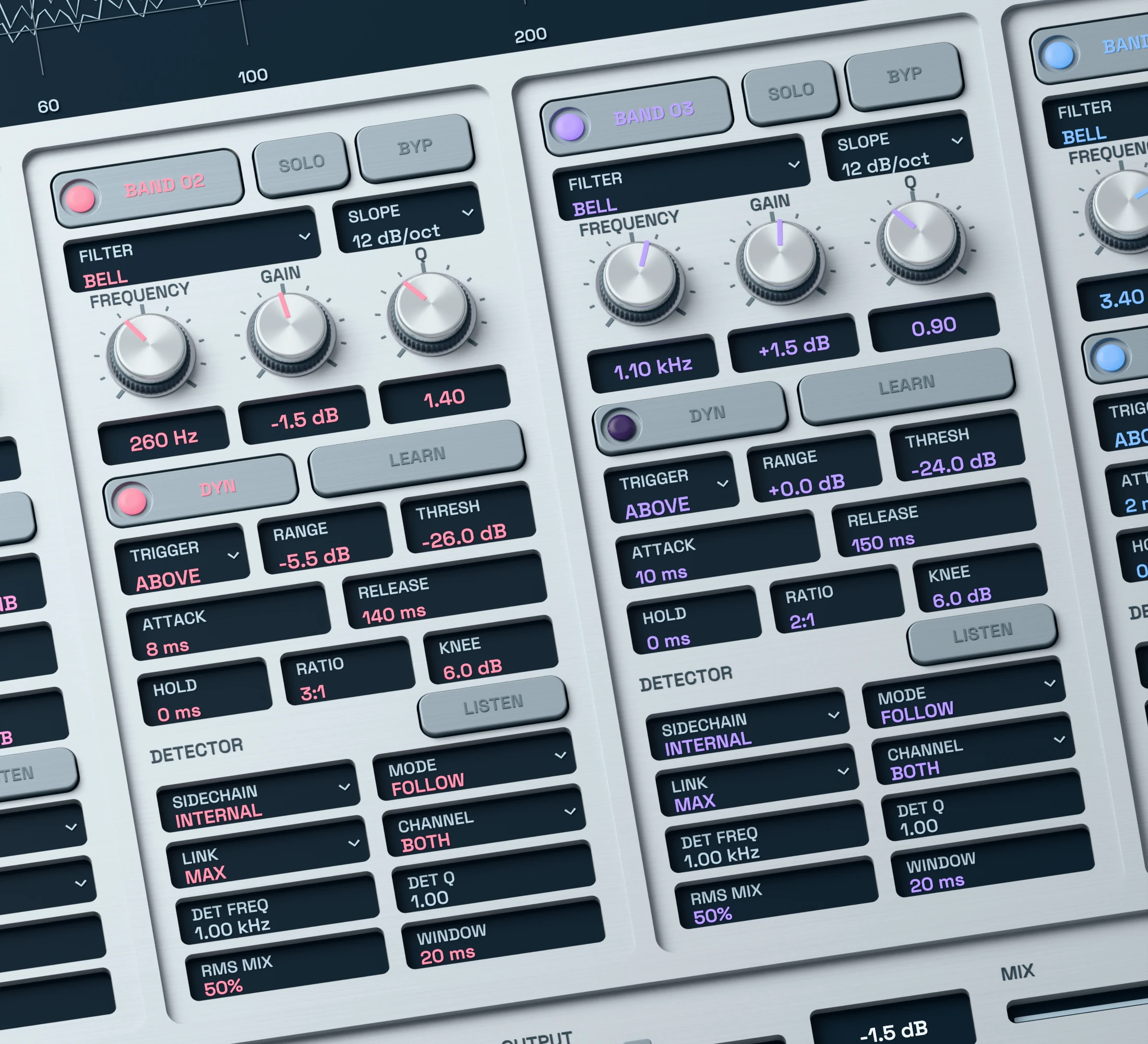
Dynamic EQ 3D close-up showing active threshold, range, attack and release controls

Reduce resonances only when they rise.

Enable dynamics on a compatible band and set its Threshold, Range, Ratio, Attack, Hold and Release. The band moves from its static gain only when the detector calls for it.

Use a small negative range for harsh vocals, uneven bass notes or a resonance that appears only in certain phrases.
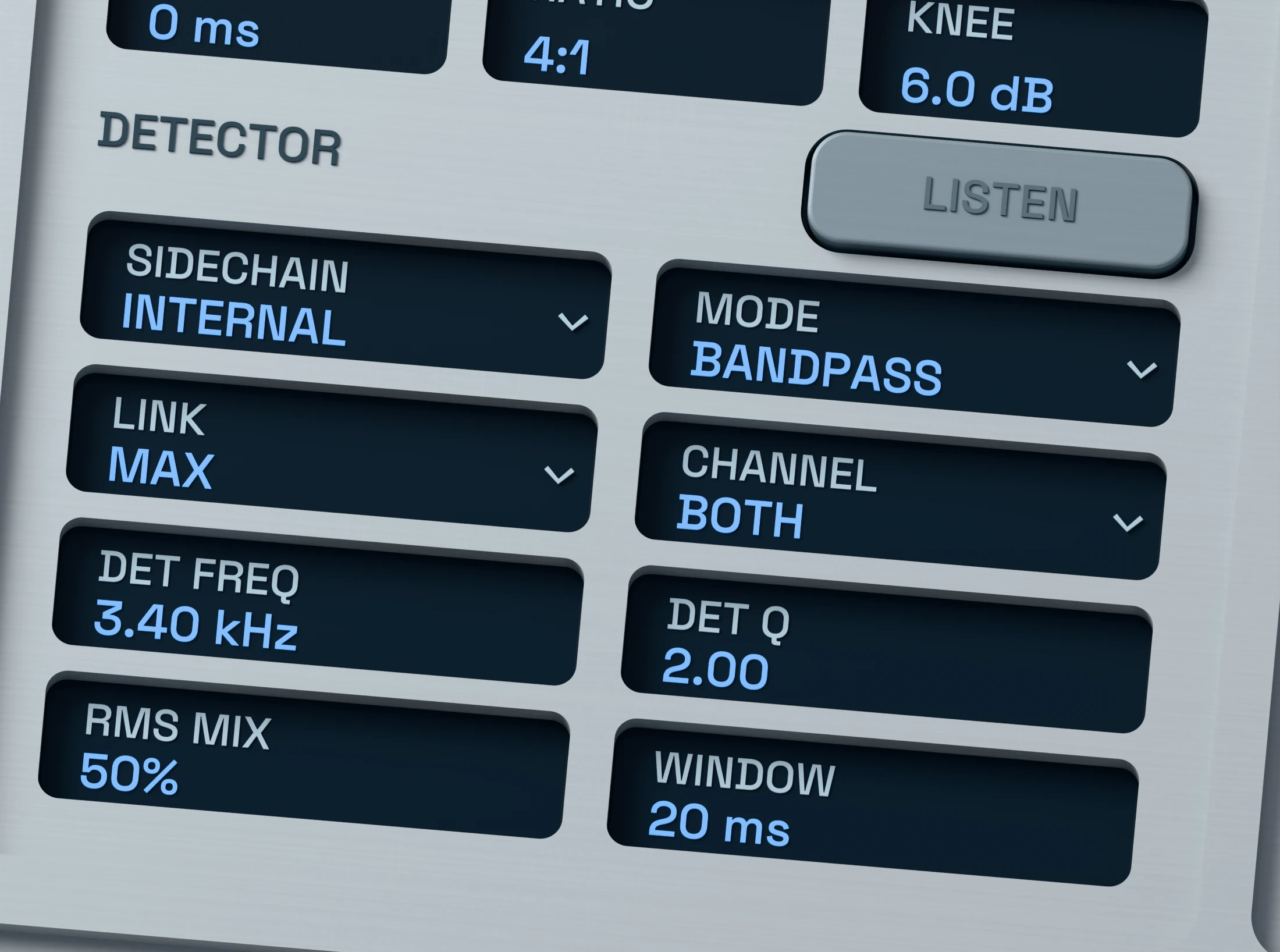
Dynamic EQ 3D detail showing internal and external sidechain detector controls

Choose what triggers each dynamic band.

Use the internal detector for level-dependent EQ on the current track, or route an external sidechain from your DAW when another source should control the band.

Threshold Learn gives you a starting point. Adjust the result in context rather than treating the learned value as a final setting.
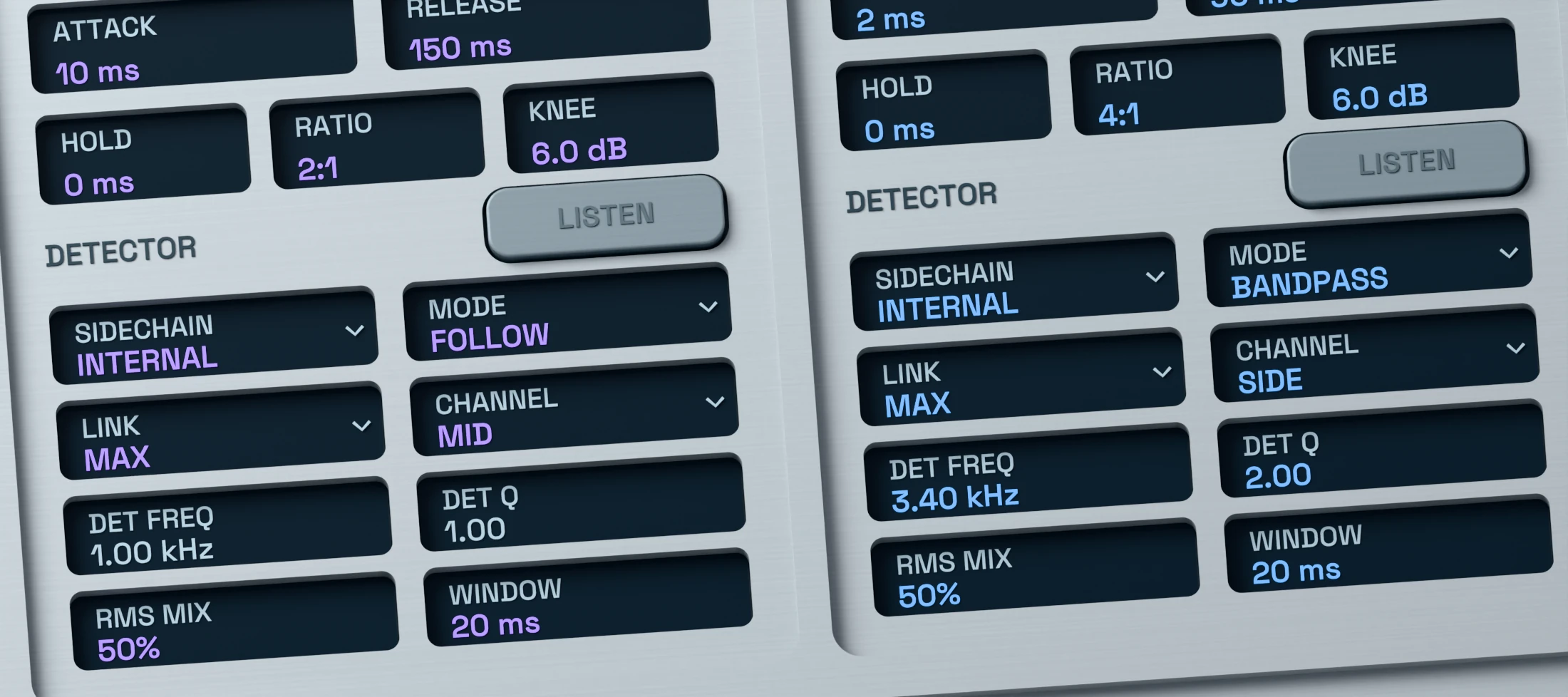
Dynamic EQ 3D close-up showing active mid-side and channel routing controls

Process the centre, sides, left or right separately.

Target Both, Left, Right, Mid or Side per band. Control a central vocal frequency without making the same change to the stereo edges, or shape side information without moving the centre.

Check large Side adjustments in mono so the mix still translates outside a wide stereo setup.
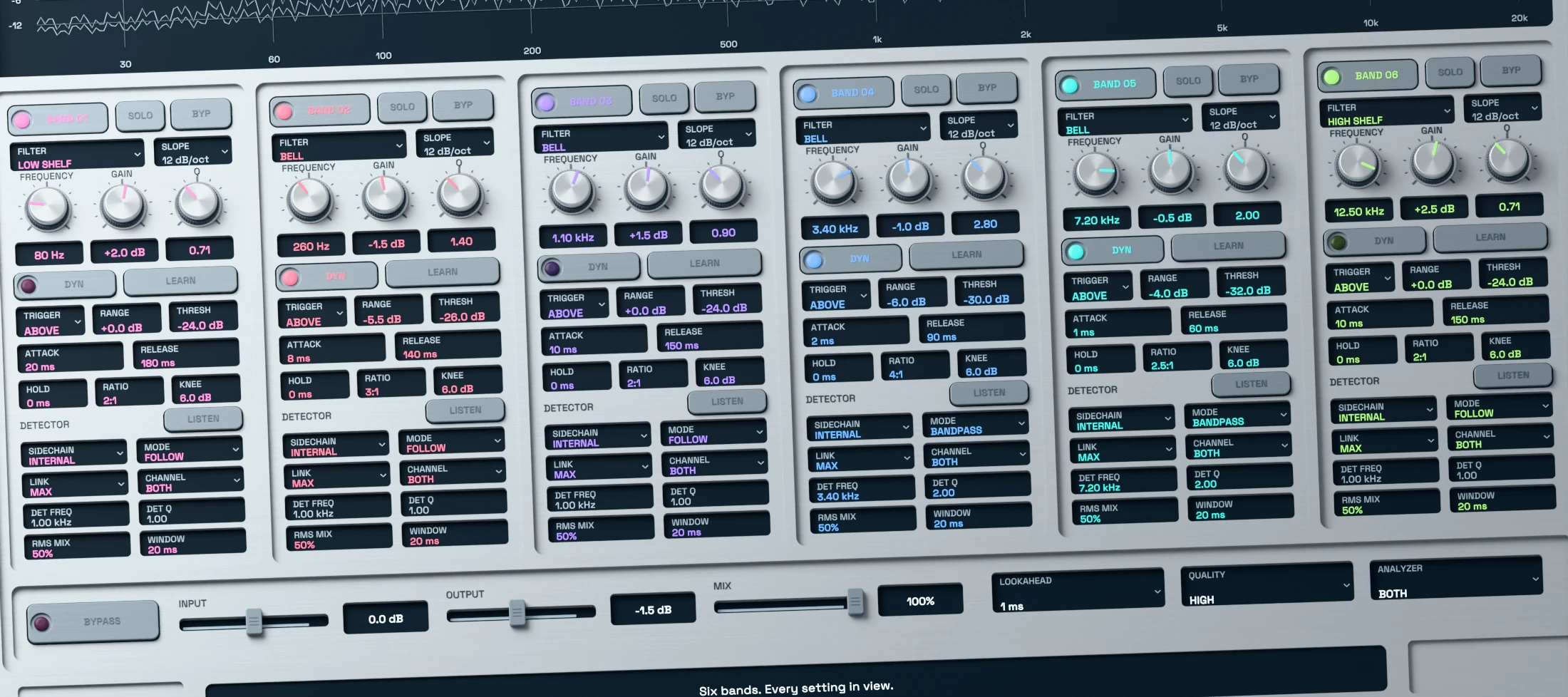
Dynamic EQ active 3D interface with the free download and no activation message

Free to use. No account, key or activation.

Dynamic EQ is free for personal and commercial audio production. Download the installer, load the plugin in a compatible DAW and start working.

There is no trial timer, device limit, license server or license code. Normal use is fully offline.
Download Dynamic EQ.

Download Dynamic EQ and get to work. No activation required.

System requirements

Windows
Windows 10 or 11, 64-bit. VST3.
macOS
macOS 11 or later. Intel and Apple Silicon. Universal build.
Plugin formats
Windows: VST3. macOS: VST3 and Audio Units (AU).
Your DAW
Load Dynamic EQ as an audio effect. External sidechain processing needs a sidechain route in your DAW. No account, license or activation is required. AAX is not included.
Read manual (PDF)

Frequently asked questions

Is Dynamic EQ really free?

Yes. It is free for personal and commercial audio production. There is no purchase, account requirement, license code, activation, device limit or trial timer.

What is a dynamic EQ used for?

A dynamic EQ changes gain only when a frequency range meets the detector condition. It is useful for harsh vocal phrases, resonant notes, uneven bass and frequency-aware ducking.

Can I use it as a regular parametric EQ?

Yes. Leave Dynamic off for a static EQ move. Enable it on a compatible band when the gain should respond to the signal level.

How do I use the external sidechain?

Route a source to the plugin sidechain input in your DAW, then select External for the band. Use the detector and threshold controls to set the response.

Can it process mid and side separately?

Yes. Each band can target Both, Left, Right, Mid or Side. Mid is the centre component and Side is the stereo difference.

Which systems and plugin formats are supported?

Windows 10 or 11 uses the 64-bit VST3. macOS 11 or later includes VST3 and Audio Units for Intel and Apple Silicon. AAX is not included.

Choose which optional services may run. Your choice is stored on this device for 180 days. You can change or withdraw it at any time through Cookie settings in the footer.

Privacy policy

METASIS AUDIO

Your cart

No products in the cart.

Final total and applicable taxes shown at checkout.