Add tape colour where the track needs it.
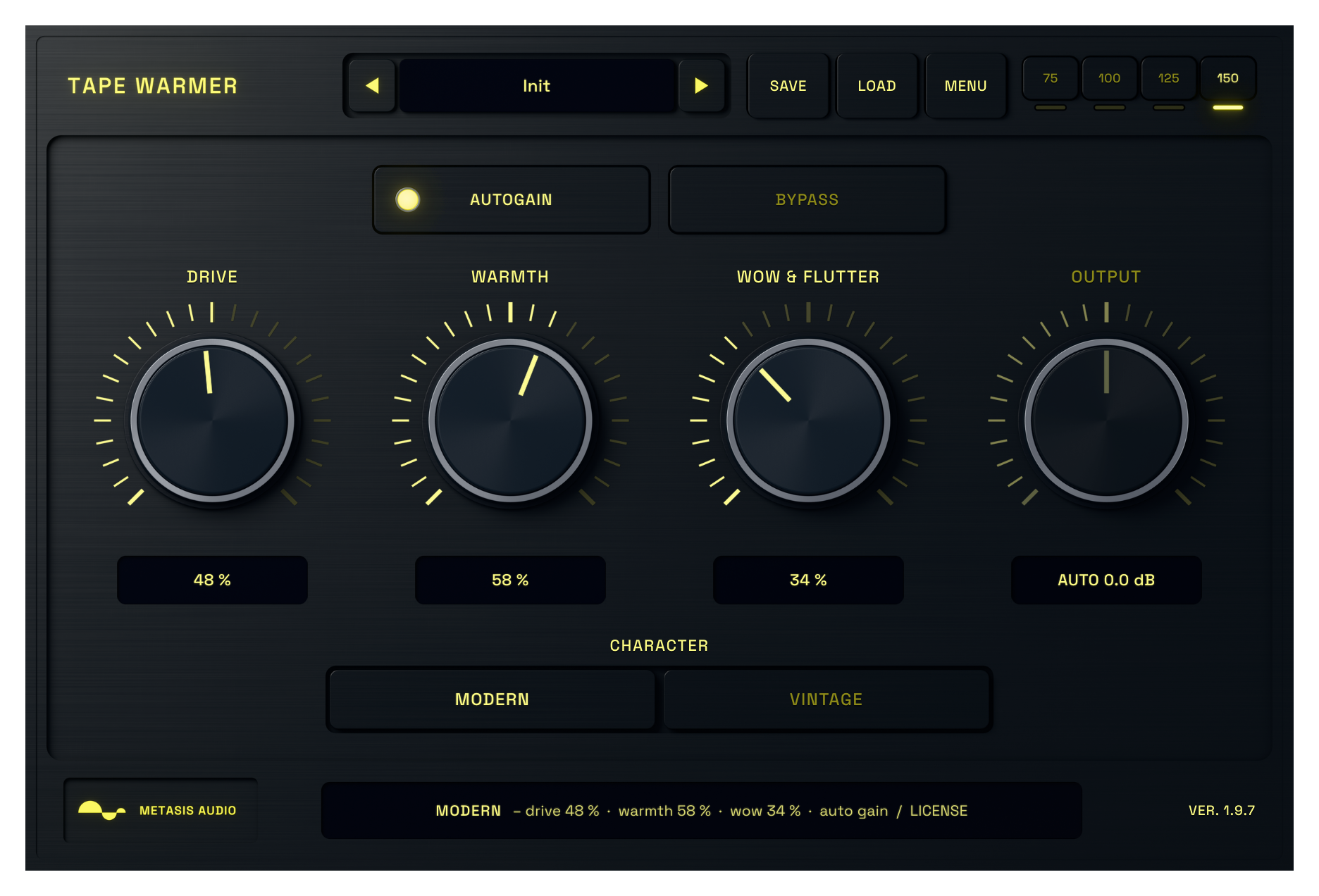
Use Drive to add harmonics and soften peaks, then bring in Warmth when the source needs more body. Wow and Flutter adds pitch movement that becomes especially clear on held notes and chords.
Modern stays tighter. Vintage is darker and less steady. Auto Gain helps you compare the change without mistaking extra level for better sound.
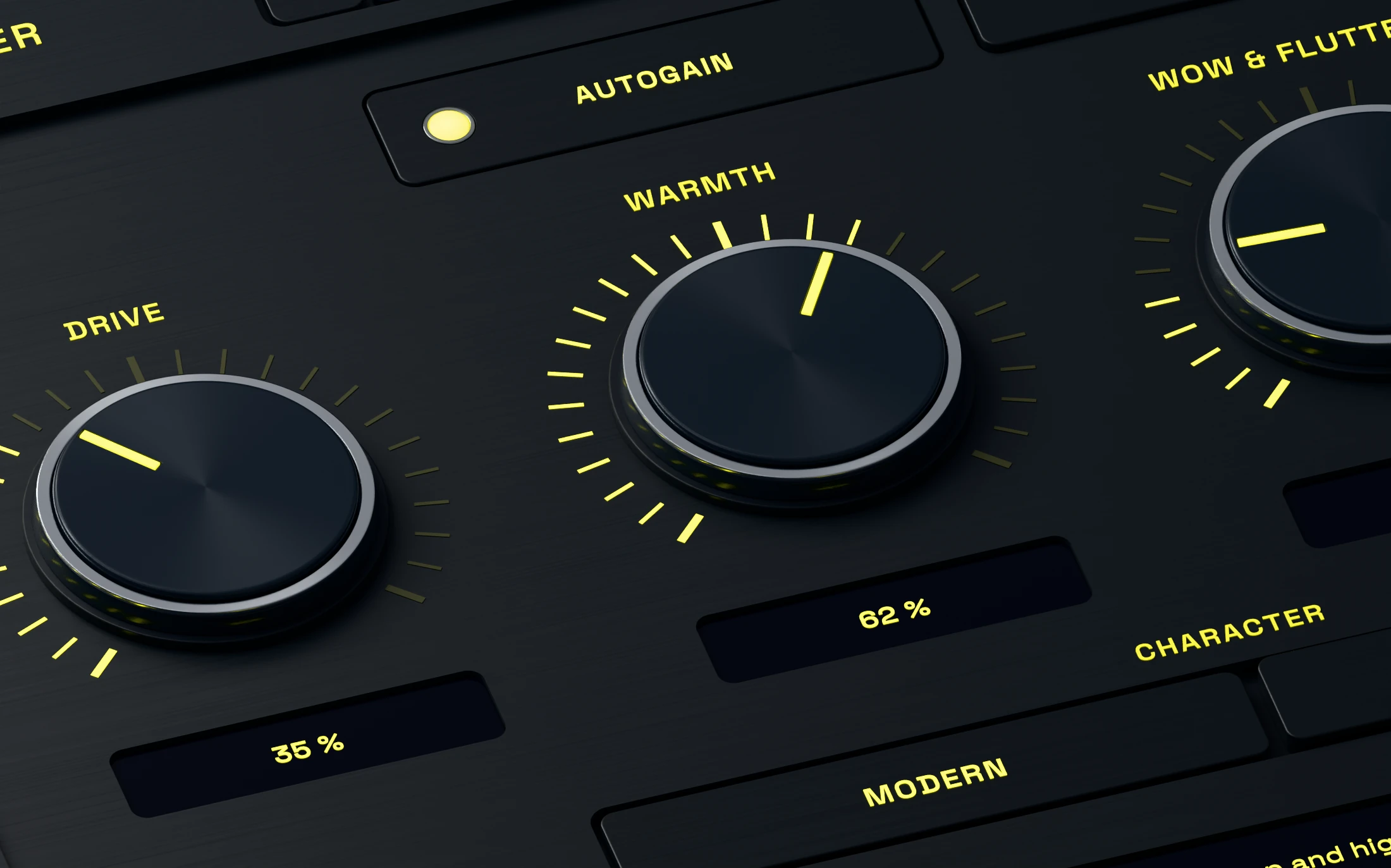
Add harmonics without flattening the source.
Drive adds asymmetric saturation and soft clipping. Low settings give a vocal, bass or drum bus more density. Higher settings make the tape colour part of the sound.
Set Drive while the full mix is playing. The useful point is usually where the source feels more solid but its attack still has the shape you want.
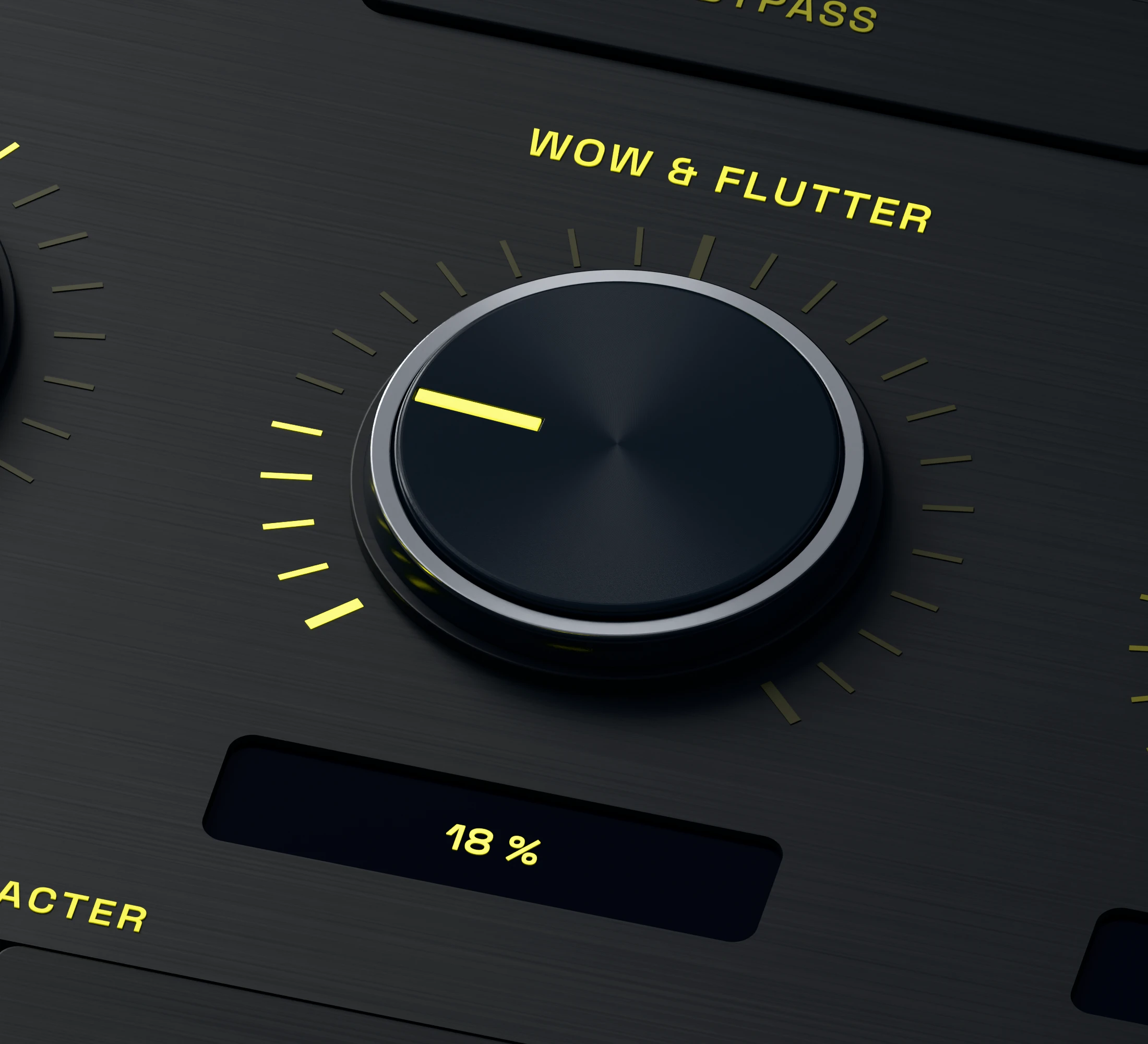
Shape warmth and pitch drift separately.
Warmth controls the low-frequency emphasis. Wow and Flutter adds slow and fast pitch variation without forcing you to add more saturation.
Try subtle movement on vocals, keys and pads. More obvious settings can turn a clean loop or sustained synth into a less stable texture.
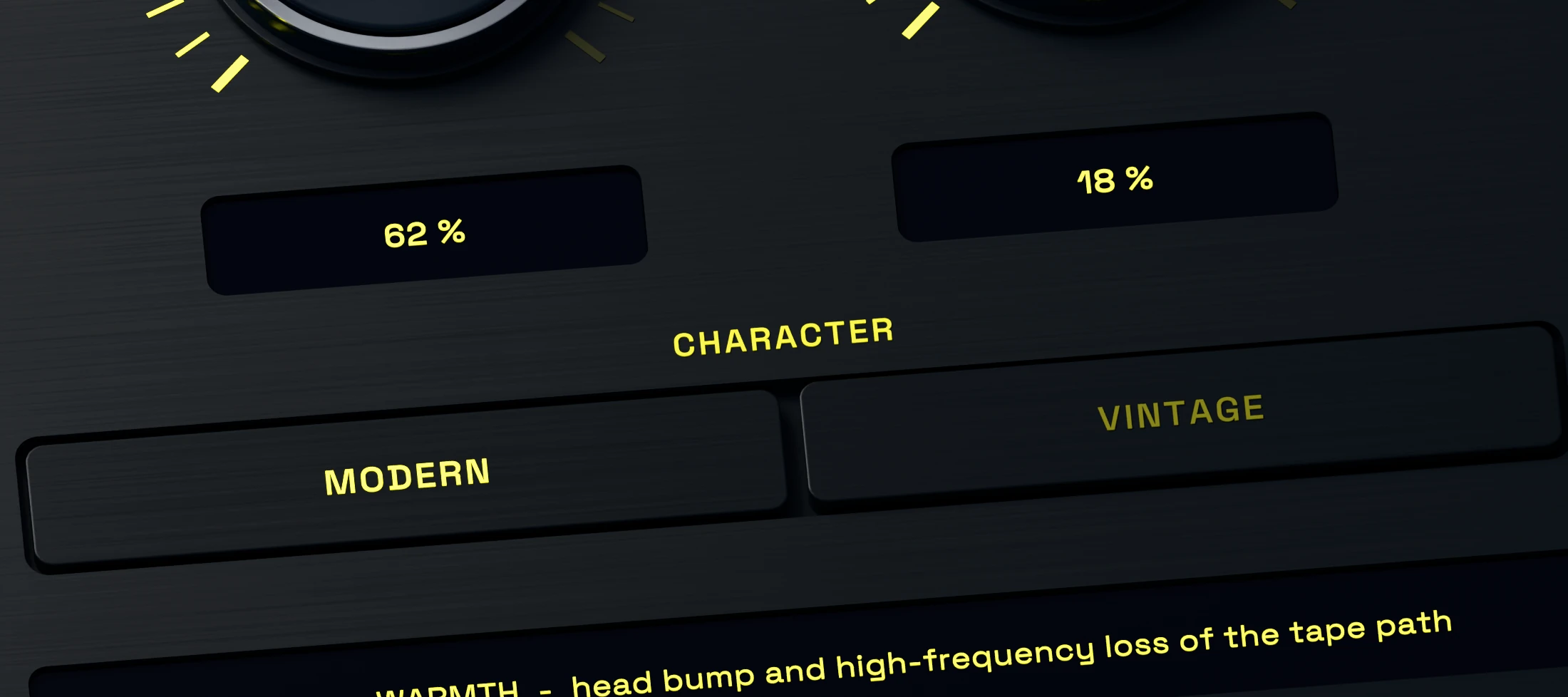
Choose a tighter or darker tape character.
Modern keeps the response more open. Vintage shifts the balance toward a darker tone and stronger low-end emphasis. Choose the character first, then fine-tune Drive and Warmth around it.
Character changes the behaviour of the processing. It is not simply a preset name or an output EQ switch.
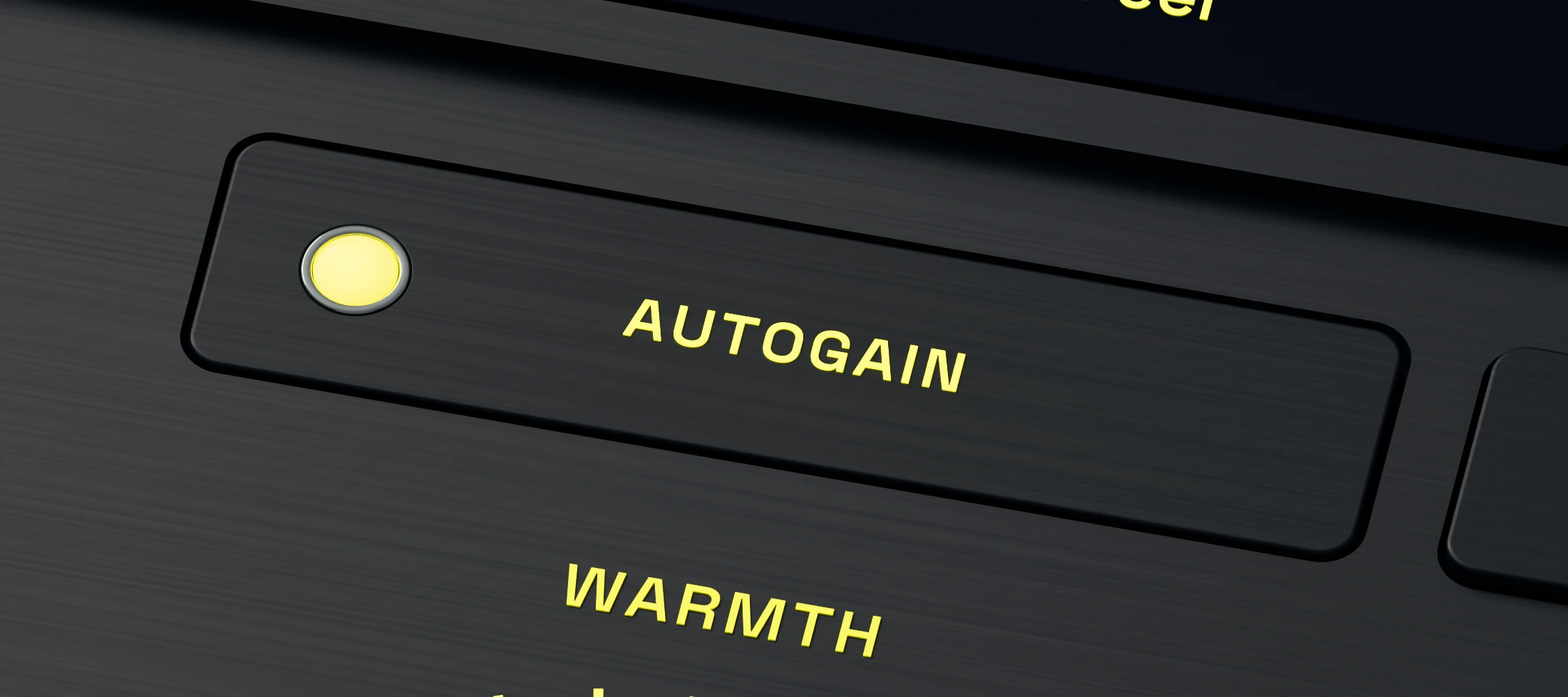
Compare the tone at a useful level.
Auto Gain compensates for much of the level change while you adjust the effect. Use Bypass to check whether the tape saturation improves the track rather than only making it louder.
Turn Auto Gain off when you want to set Output manually. Make the tonal decision first, then place the processed signal back into the mix.